Instead of Adobe Photoshop
PhotoCraft
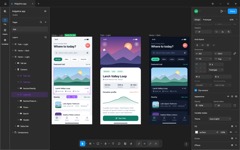
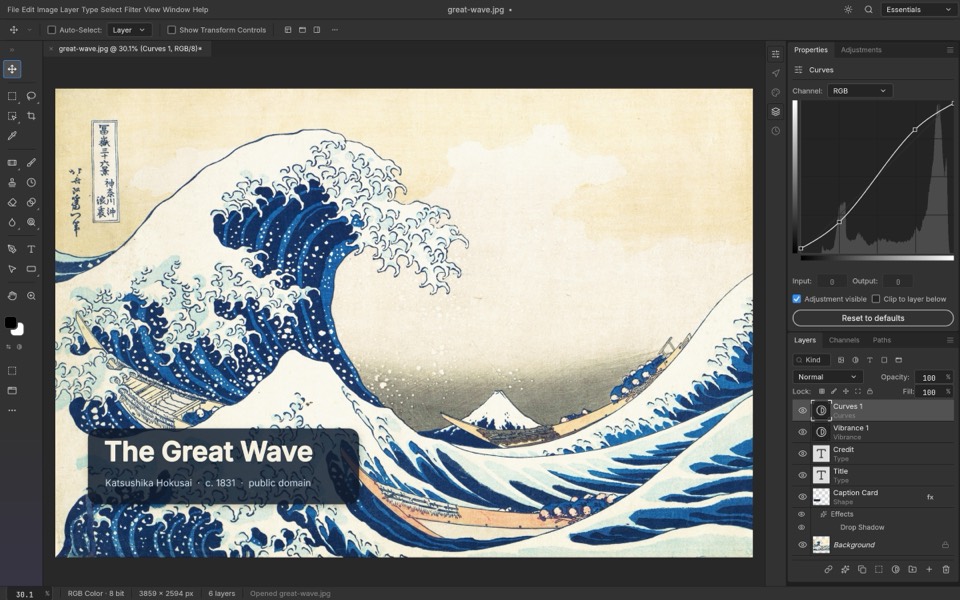
Early alphaOpens and saves real PSD files. Its README says it isn't yet a Photoshop replacement for daily professional work.
ArtCraft is a free, open-source suite from the ArtCraft team, founded by Brandon Thomas. Seven of its apps rebuild Adobe software from scratch; none of them is finished yet.
On a phone? These are desktop apps for macOS, Windows and Linux. There's no phone version.
An independent guide. Not affiliated with Adobe Inc. or the ArtCraft team. Stages are the labels on getartcraft.com/apps.
Stage is the label on getartcraft.com/apps. “Where it stands” comes from each app's own notes on GitHub. Screenshots come from each app's GitHub repository. Checked Oct 15, 2026.
Opens and saves real PSD files. Its README says it isn't yet a Photoshop replacement for daily professional work.
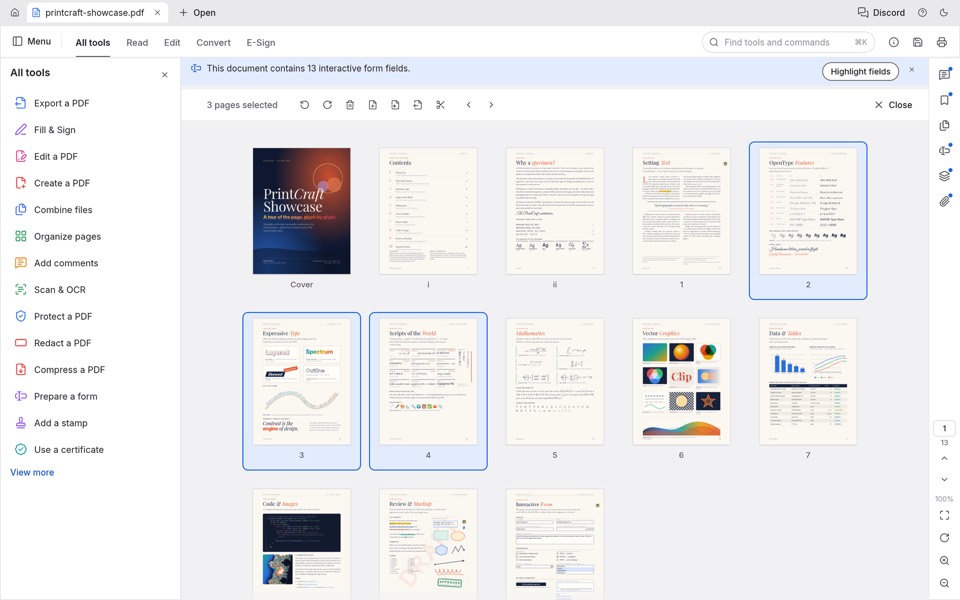
Reads, organizes, merges and splits PDFs; fills forms and adds comments. Office conversion is the weak spot.
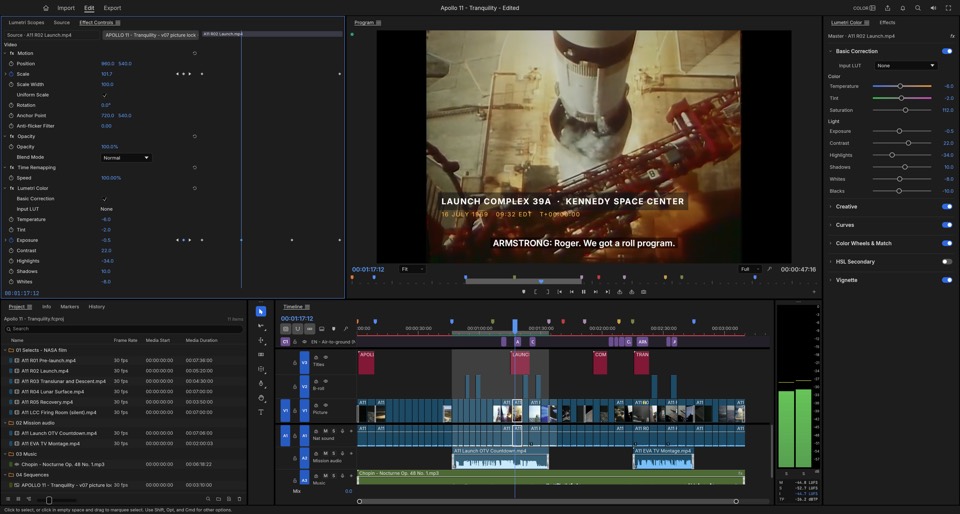
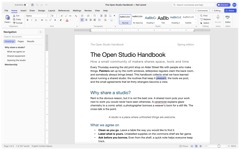
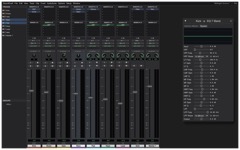
Editing, color, effects, captions and export work. It can't open Premiere .prproj projects yet.
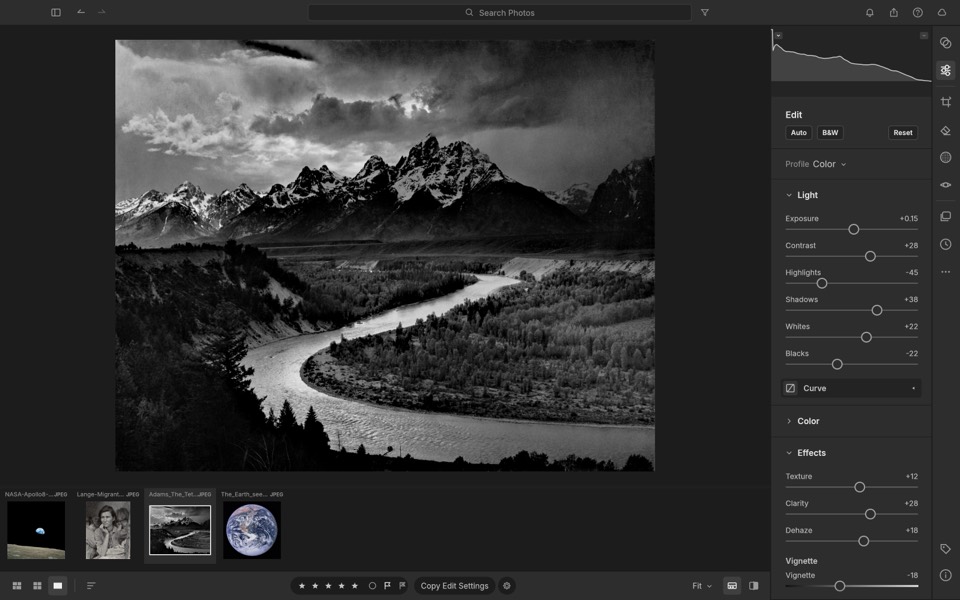
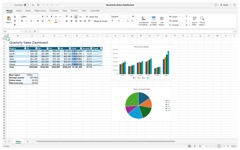
Photo library and raw editing. Best today with JPEG, DNG and most Sony, Panasonic, Fujifilm and Nikon raws.
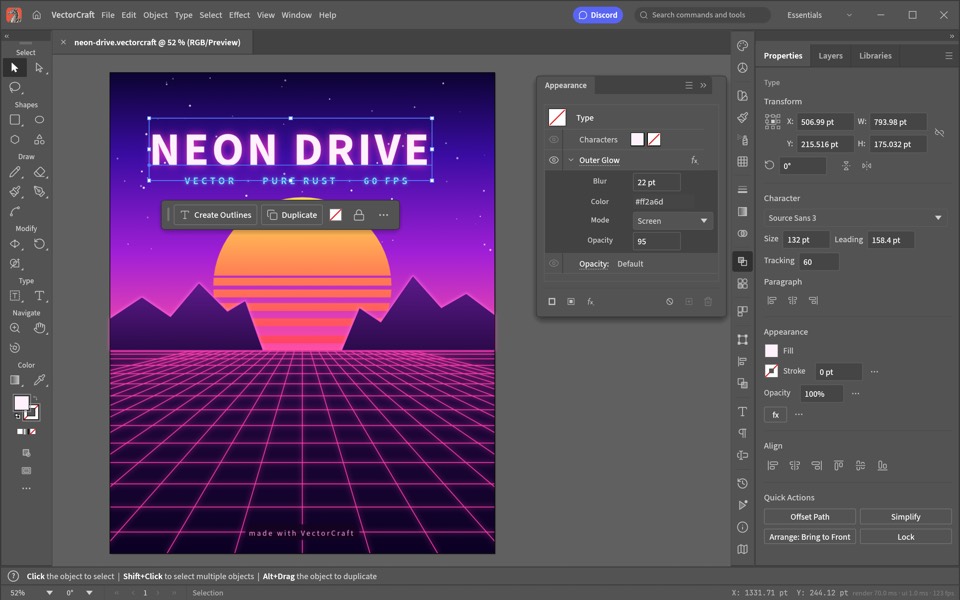
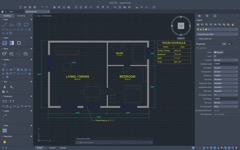
Drawing, Pathfinder, gradients and type. Opens SVG, PDF, EPS and PDF-compatible .ai files.
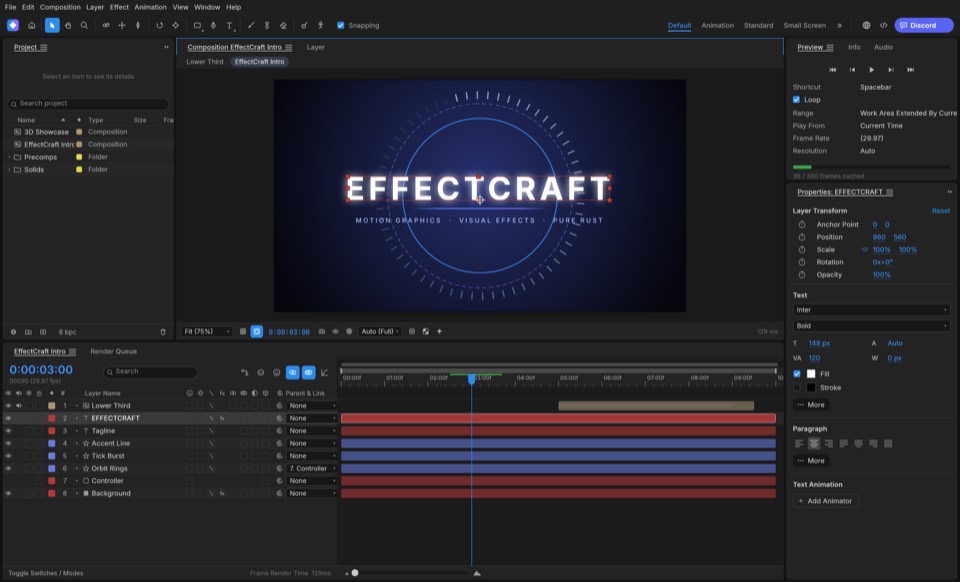
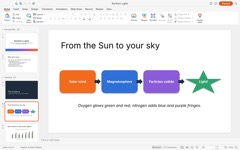
Compositions, keyframes, effects and 3D. It can't open .aep projects, and After Effects plug-ins don't run.
Page layout with IDML import and export, plus PDF and EPUB output.
Screenshots: each app's contributors, MIT or Apache-2.0 (from the apps' GitHub repositories). The ArtCraft Launcher on getartcraft.com installs all 13 apps and keeps them up to date. LensUp is made by the team behind this guide; its PDF tools run in your browser and your files are never uploaded.
Images and PDFs, mostly yes. Video and motion projects, not yet. Always open a copy first.
| Your file | Open it in | Today |
|---|---|---|
| Photoshop .psd | PhotoCraft | Yes. Re-saved files rendered the same in 307 of 309 test files. |
| Illustrator .ai | VectorCraft | Partly. Only .ai files saved with PDF compatibility. |
| PdfCraft | Yes. What PdfCraft can do → | |
| InDesign .idml / .indd | DesignCraft | IDML yes. For .indd, the team has a separate converter to IDML (indd-utils). |
| Premiere .prproj | FilmCraft | Not yet. Bring sequences over as FCP7 XML, AAF or OTIO. |
| After Effects .aep | EffectCraft | No. It saves its own project format. |
The code is public on GitHub. Fake download sites follow every popular free app, so three steps keep you on the real thing.
Use getartcraft.com or ArtCraft's GitHub (github.com/storytold). The ArtCraft Launcher installs every app and keeps them up to date. This guide never hosts installers.
Open the official apps pageEvery release on GitHub has a SHA256SUMS.txt. Run the command for your system; the result must match your file's line.
Mac (Terminal)
shasum -a 256 ~/Downloads/[file name]
Windows (PowerShell)
Get-FileHash $HOME\Downloads\[file name]
Linux
sha256sum ~/Downloads/[file name]
Every Craft app is alpha or in development. Keep your originals and open copies until an app has earned your trust.
Reviews, walkthroughs and a lawyer's take, by YouTube creators, published Oct 7–15, 2026. A video loads only when you press play.
What the suite is, and how to get it on your computer.
A trust check, an IP lawyer's three-part series, a critic and a privacy test. We link them; we don't take a side.
Hands-on looks at single Craft apps.
The team's earlier AI filmmaking tool is also called ArtCraft. This demo is from January 2026, before the Craft apps.
Answers checked on Oct 15, 2026.
No. ArtCraft is an independent project founded by developer Brandon Thomas. Every Craft app's README says it is not affiliated with, sponsored by or endorsed by Adobe.
Yes, the Craft apps are free and open source under the MIT or Apache-2.0 license, and you don't need an account. The team's separate AI studio, also called ArtCraft, sells optional credit plans.
Press reports say so. Creative Bloq wrote that the suite was vibe-coded with Anthropic's Claude Opus 5.5, and Futurism quoted co-founder Michael Caffrey saying the team reverse-engineered the top seven Adobe tools using Claude. The project itself calls its apps clean-room reimplementations written from scratch in Rust.
Download only from getartcraft.com or ArtCraft's GitHub, check the SHA-256 as shown above, and work on copies of your files. The source code is public, so anyone can inspect it.
PhotoCraft opens and saves PSD files. VectorCraft opens .ai files saved with PDF compatibility. Premiere and After Effects projects can't be opened yet; the file table above has the details.
We can't give legal advice. The apps' READMEs call them clean-room reimplementations; EffectCraft's, for example, says the team works from After Effects' public documentation and how it behaves, never from Adobe's files, icons, presets or code. Futurism described the project as reverse engineering Adobe's software.
Same team, different product. ArtCraft is also the name of the team's AI image and video studio; the Craft apps are a separate set of free desktop editors.
There are no phone apps. Most apps also ship a WebAssembly build, but you have to host it yourself; there's no ready-made web version.
Not for professional work yet, by the apps' own notes. PhotoCraft's README says it is not yet a Photoshop replacement for daily professional work, and EffectCraft's says it isn't yet a replacement for After Effects on client work.
Only need a PDF editor?
PdfCraft download and Acrobat comparison